Connector Quick Start

Start Connector

Unpack the distribution and run the start script located in the installation bin directory.

LINUX

./connector

WINDOWS

./connector.bat

Login to Connector

Once the Connector has started, navigate to the Admin UI and login with the default username and password, admin/admin:
Configure Connector

Follow the description and instruction in the Basic Configuration Menu to configure the mandatory settings.

File System Configuration

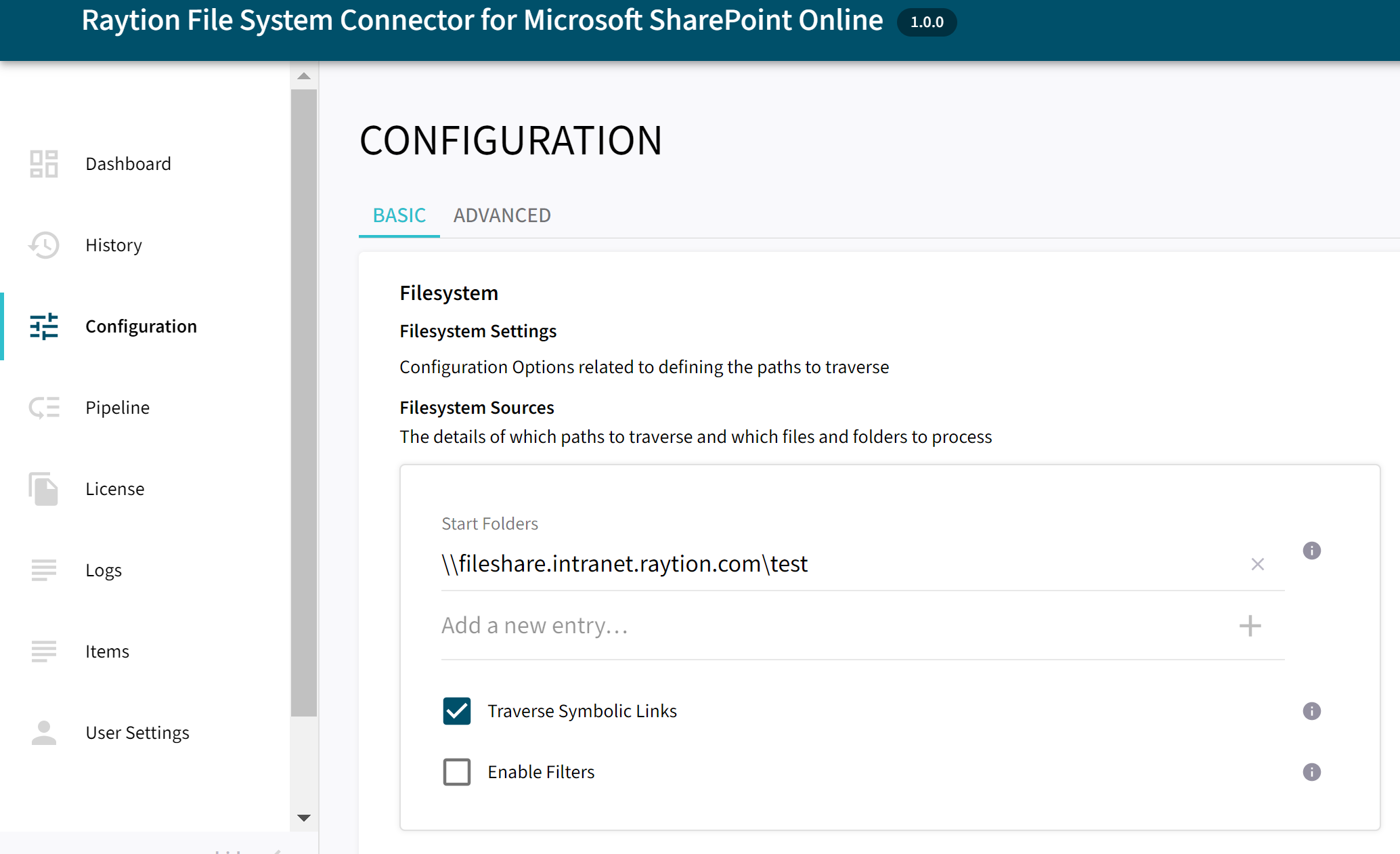
Configure the Folders the connector should traverse.
File System Source Configuration
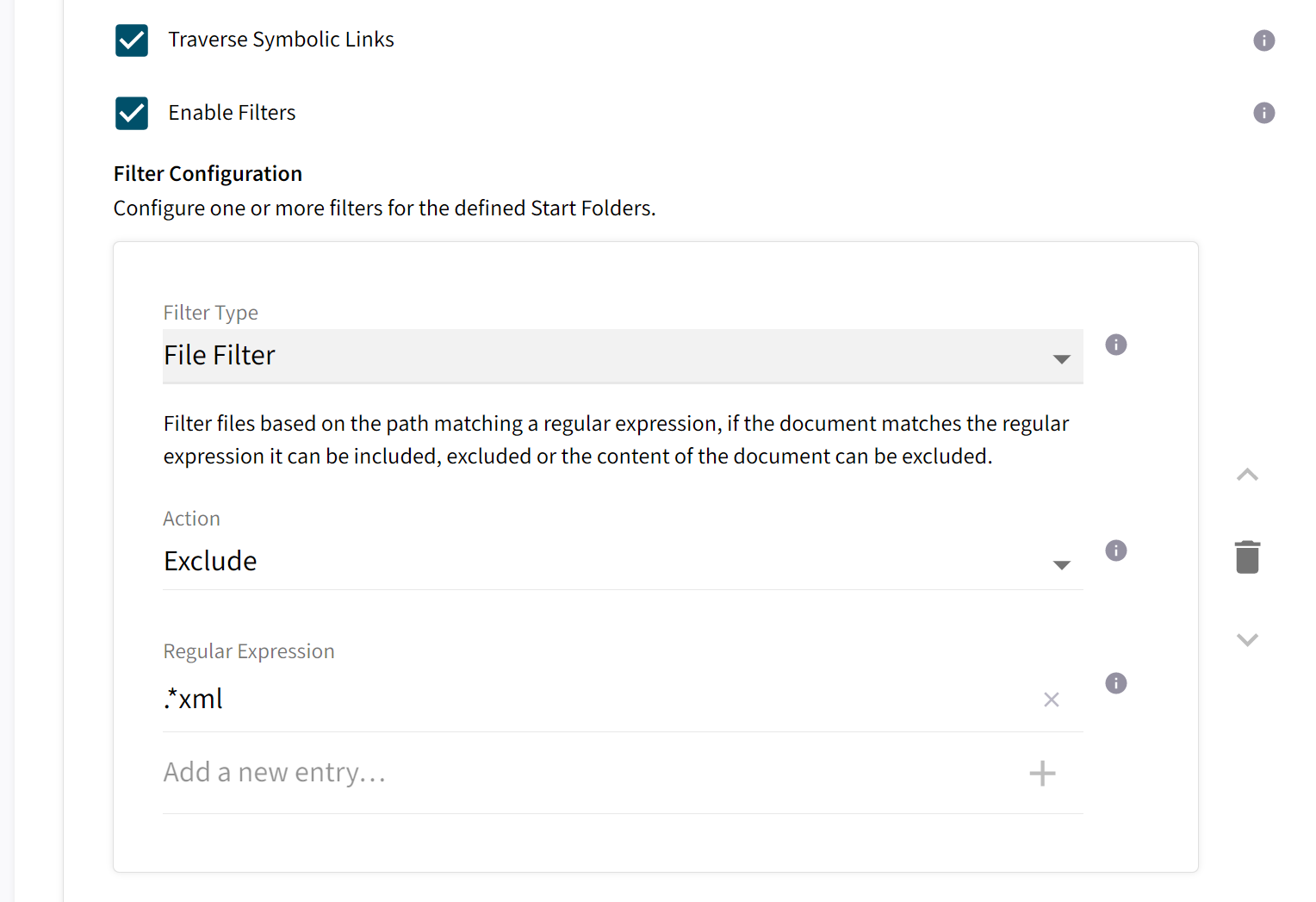
Configure filters to specify which files/folders to index.
Filter Settings

Microsoft SharePoint Configuration

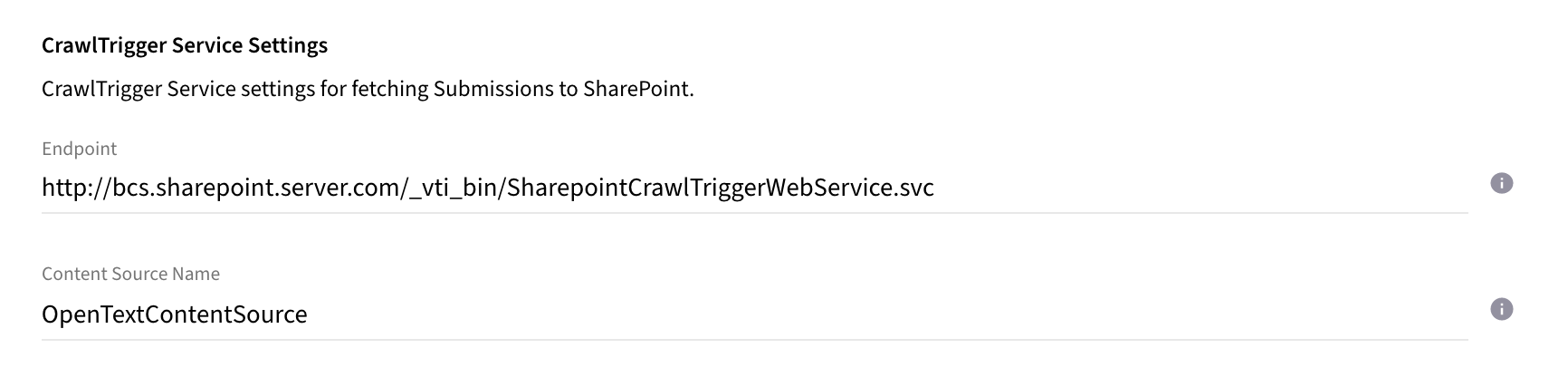
Configure the Endpoint and Content Source of the already installed BCS solution, so that the connector can trigger a SharePoint crawl.
crawl trigger service url
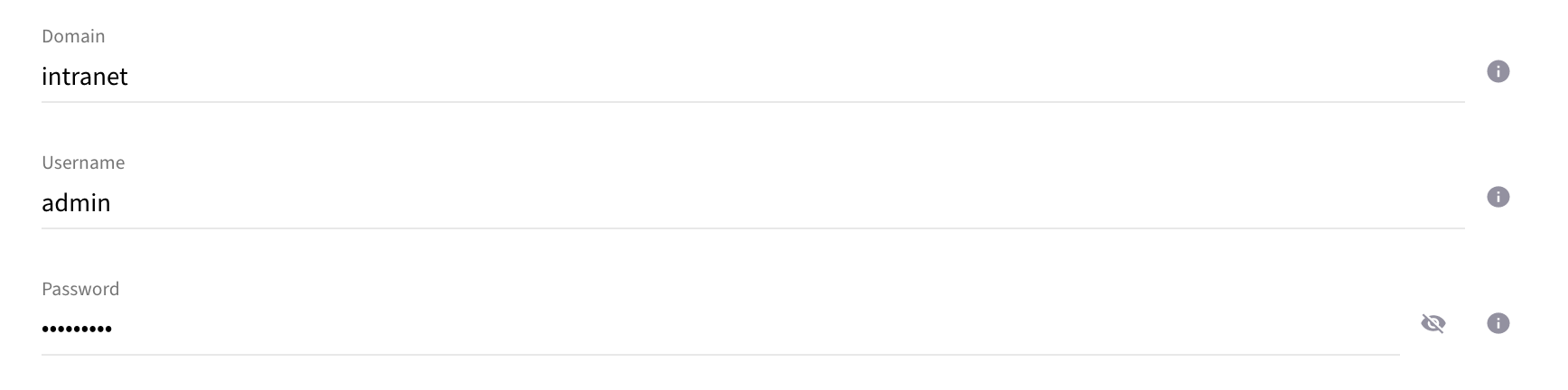
Configure the credentials for the Crawl Trigger Service connection.
crawl trigger credentials

Upload License

  • Contact Raytion and obtain a license for your connector

  • Login to the Admin UI

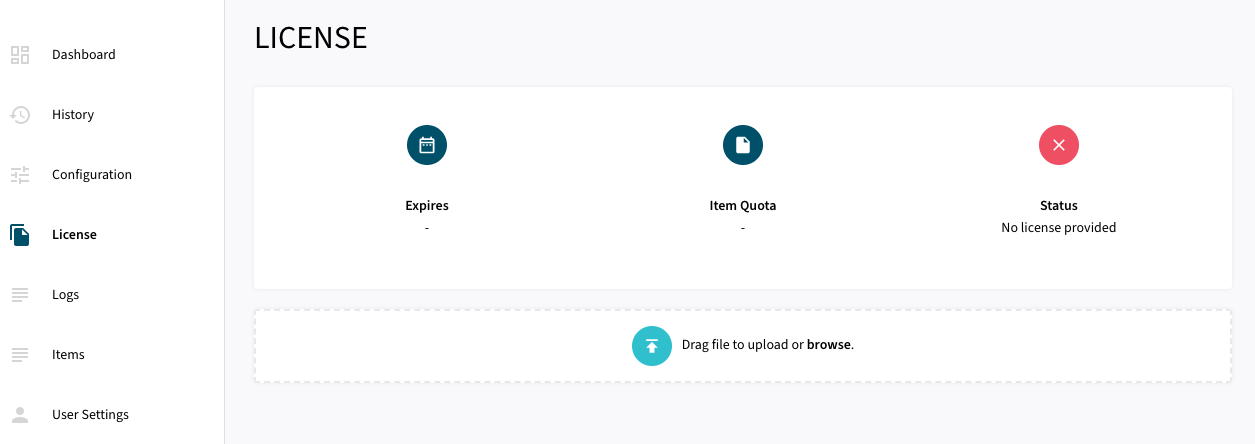
  • Select License in the menu:

uploadlicense 1
  • Upload the license file by browsing for the file or simply dragging a dropping the license onto the license page

  • The Status of the license will be displayed as valid, and the expiration and item quota will also be displayed:
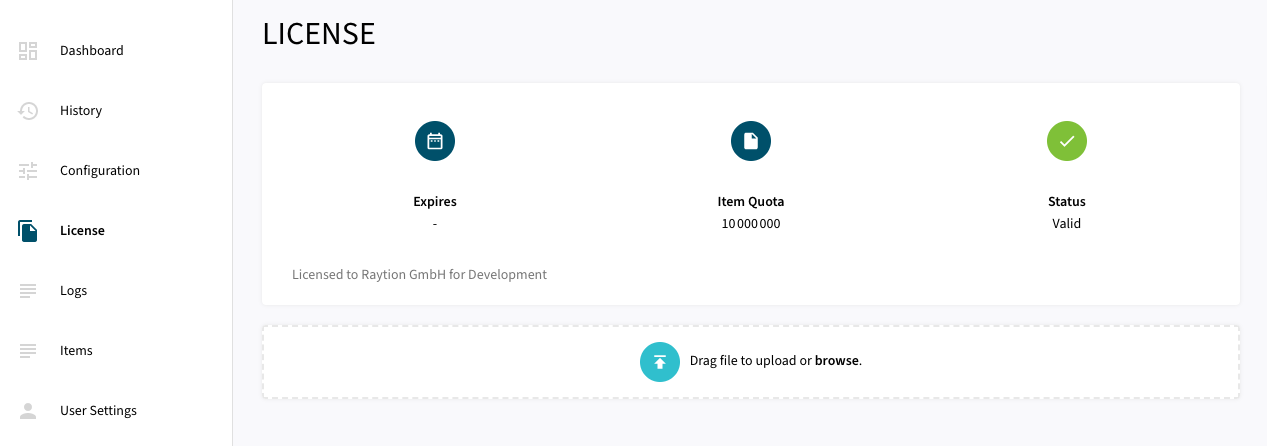

uploadlicense 2

Synchronizing Data

Once the connector is configured and the license uploaded, you can start synchronizing data using the traversal feature in the dashboard.

Content Traversal

  • Ramp Up will process all items to Microsoft SharePoint Online.

  • Incremental will process only changed items since last traversal run.

dashboard content without change processing

Schedule Traversal

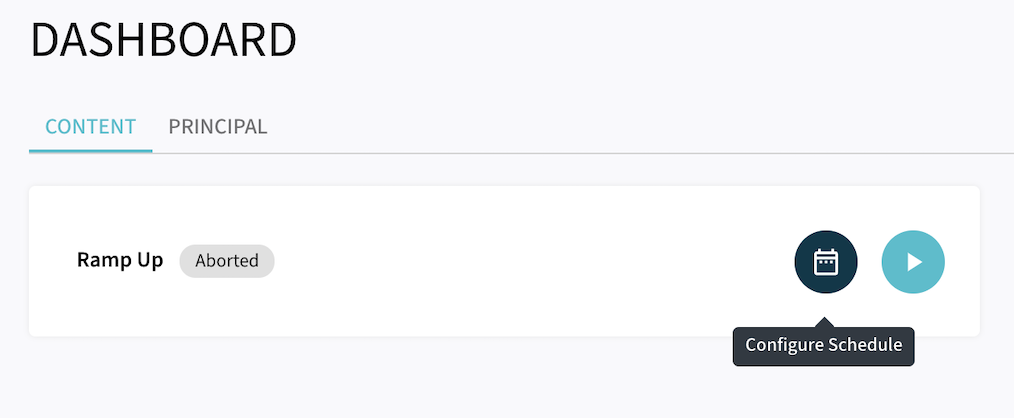
Scheduled traversals can also be configured through the menu.

From this button a Schedule can be configured.
schedule button
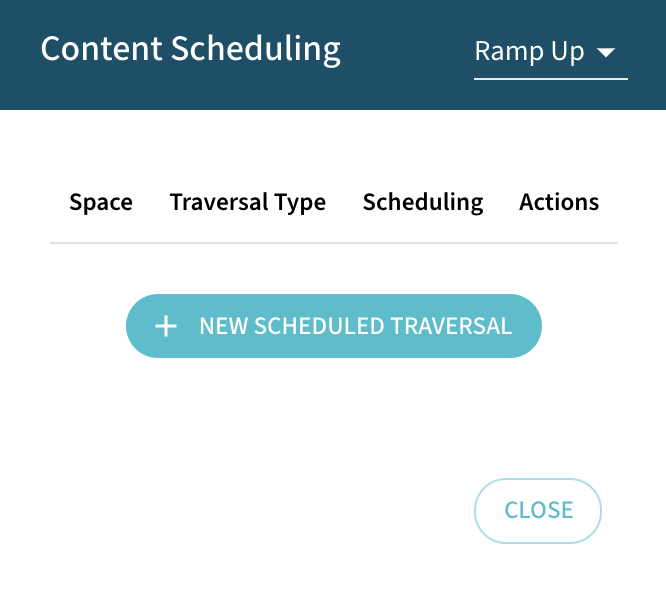
From upper right corner you can choose the traversal type and then click on NEW SCHEDULED TRAVERSAL.
schedule type
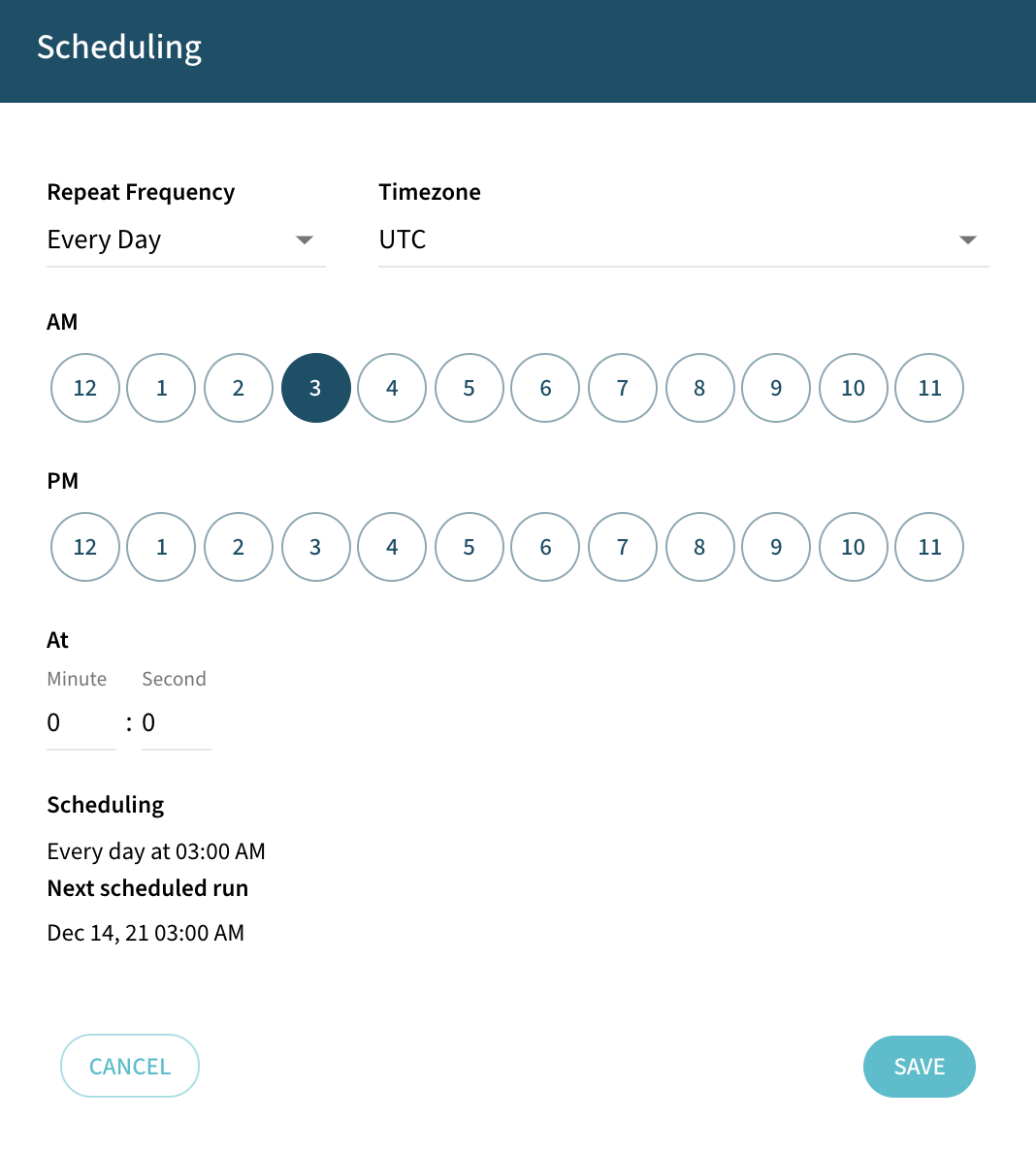
Configure the frequency that the Traversal will be executed and click Save.
schedule frequency