File System

File System Access

The File System Connector first and foremost accesses files through the user that runs the Connector-JVM. To access a File Share through another user, the File Share must be mounted, during which a separate user can be specified. File Shares that the user that runs the JVM can’t access, can’t be processed by the Connector.

Furthermore, to access all the nessecary information, the user needs 'read'-permissions for both the files themselves, and their security information. Files which do not have these permissions can’t be processed.

Filtering

In case you don’t want to process all files in a start folder you configure a multitude of filters to process only the files of your choosing. You can find these in the basic configuration of the Connector.
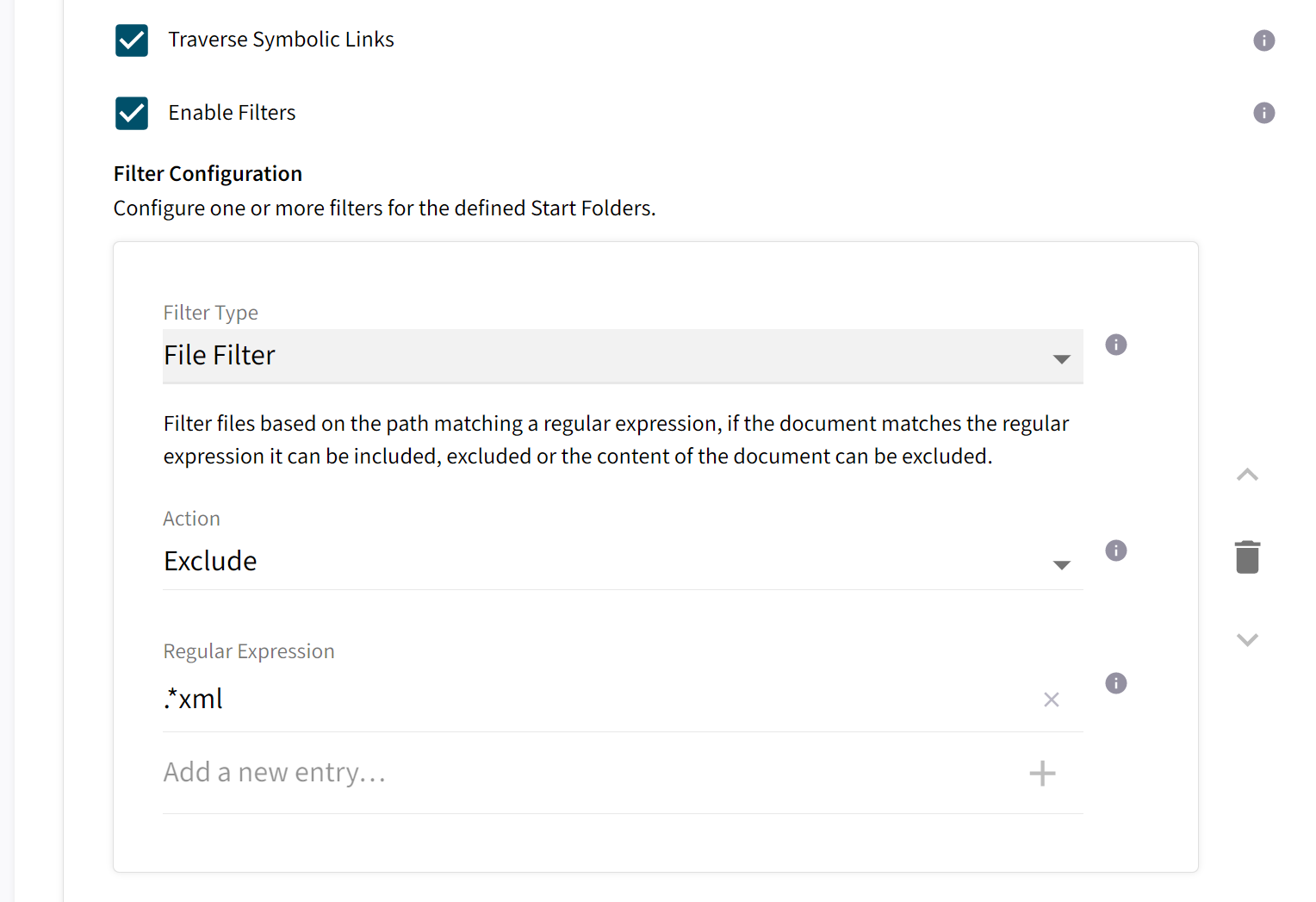
File System Filter Configuration

There’s filters for file names, dates and file sizes available. For a detailed list of filters, check out Filter Configurations.
You can configure the connector to not traverse symbolic links. In this setting folders that are symbolic links will be treated as if they are empty.

Please note that only soft links are recognized as such. Hard links will not be detected as symbolic links by the connector.

Global Filters

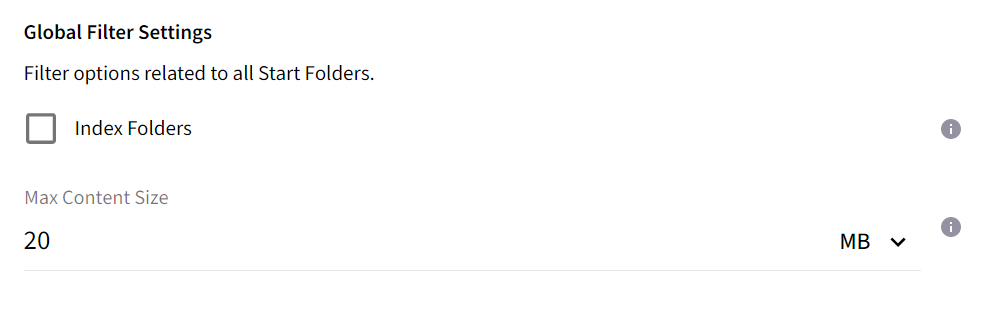
Aside from the filtering options presented so far, in the advanced configuration you can also find global filter settings.

File System Filter Configuration

It is noteworthy, that global filters are overriden by filters defined specifically for your Start Folders if they conflict.

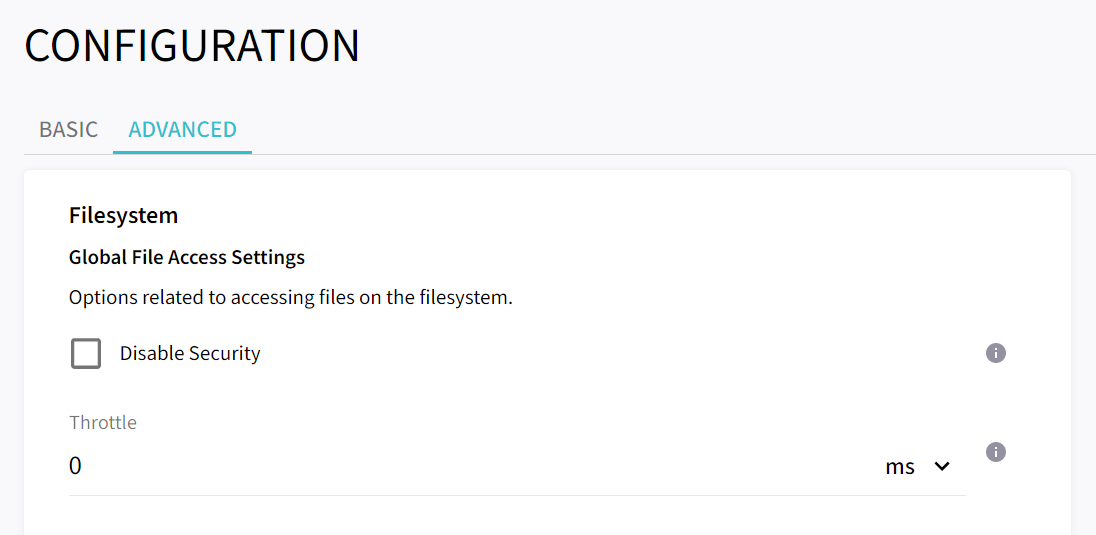
Global File Access Configuration

If all the documents you are indexing are publicly visible you might want to disable the reading of security information in the advanced configuration.

File System Filter Configuration

Via the throttle you can also reduce the load on file servers you are accessing if needed.